Easiest way to allot additional storage space in Google Workspace
1. If you want to have uniform space across all the users in the organization
Login with your admin user ID at https://admin.google.com/ac/storage
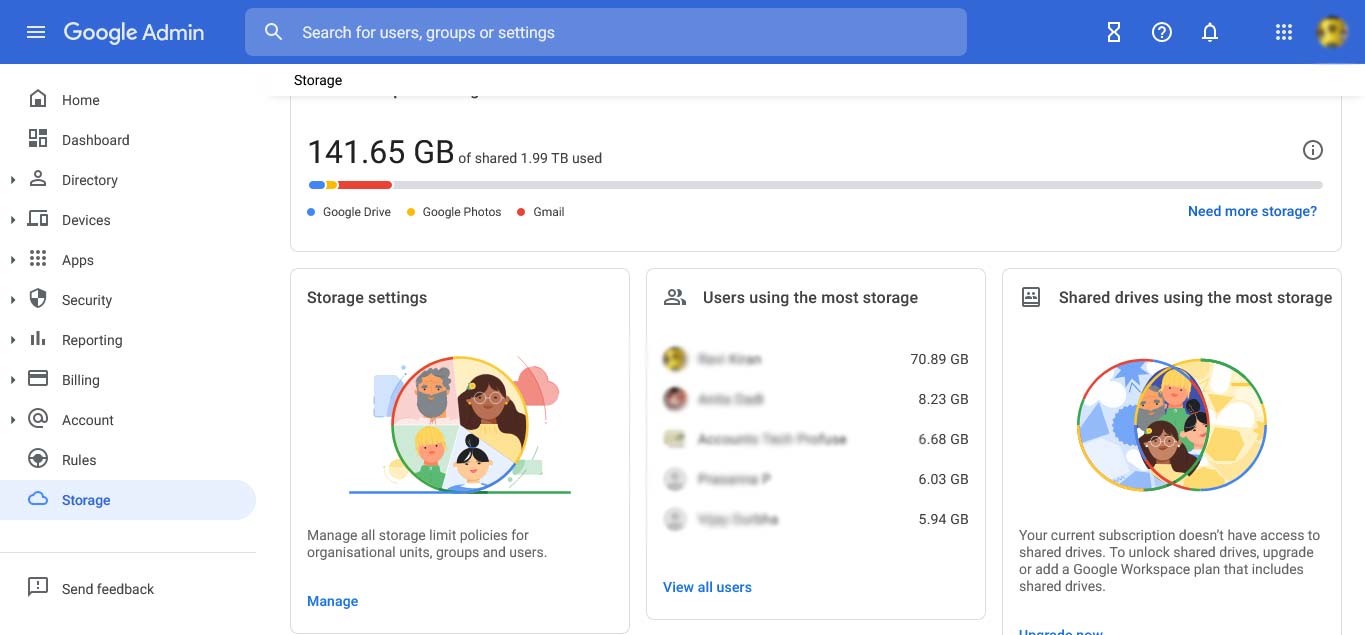
Click on Manage this will take you to
https://admin.google.com/ac/appsettings/707493396369/storagesettings
By default, the user storage limit is set to off.
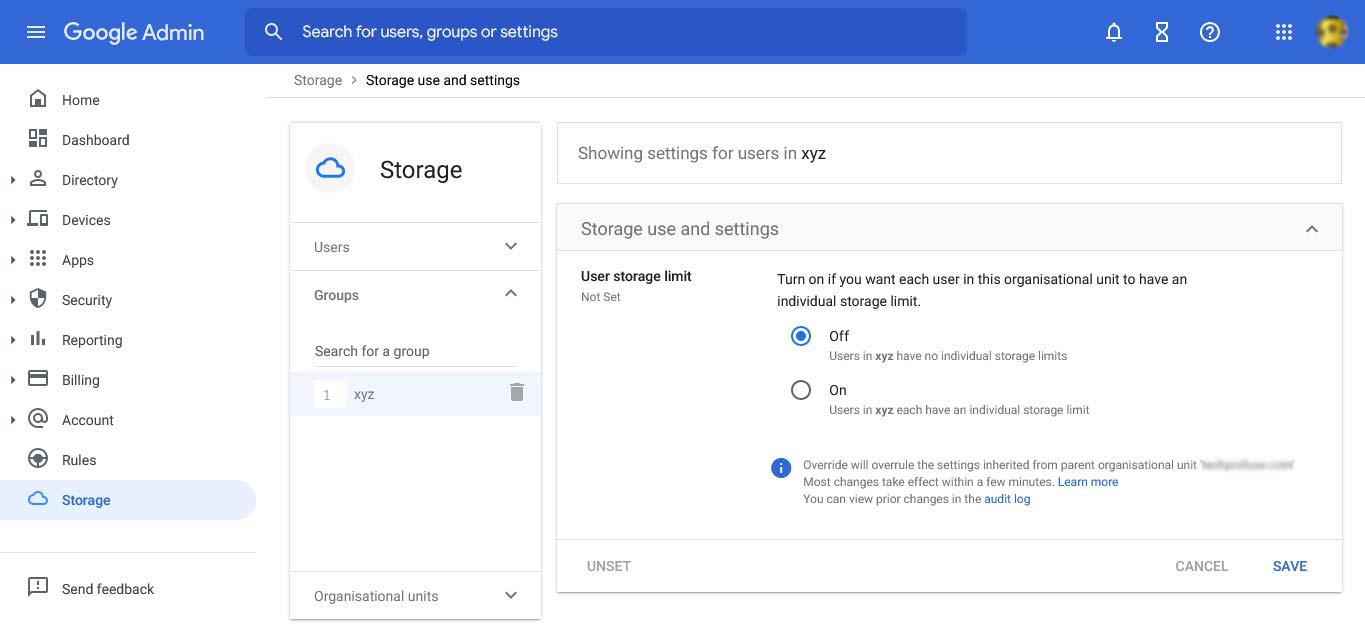
Change it to on and allot the space you want to allot. You can assign any amount of space. Space will be allocated on a first come first serve basis to the users.
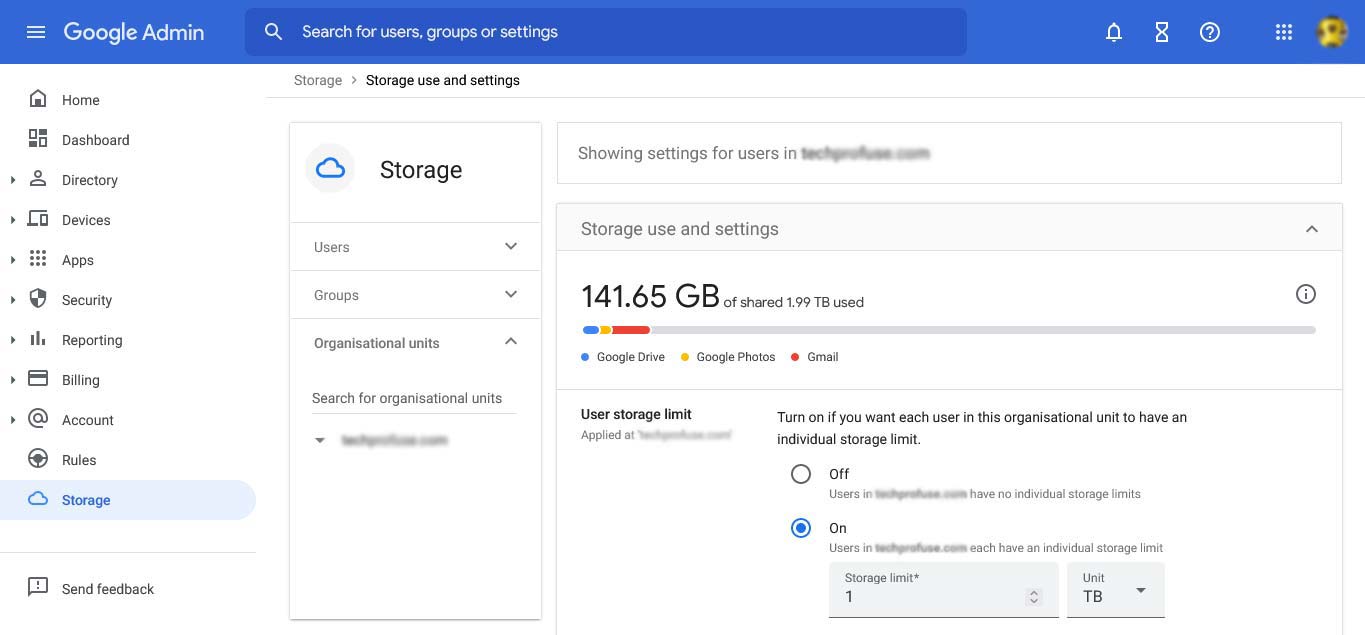
First, create a group and add members to this group who need extra storage space.
2. If additional storage space is required for specific users.
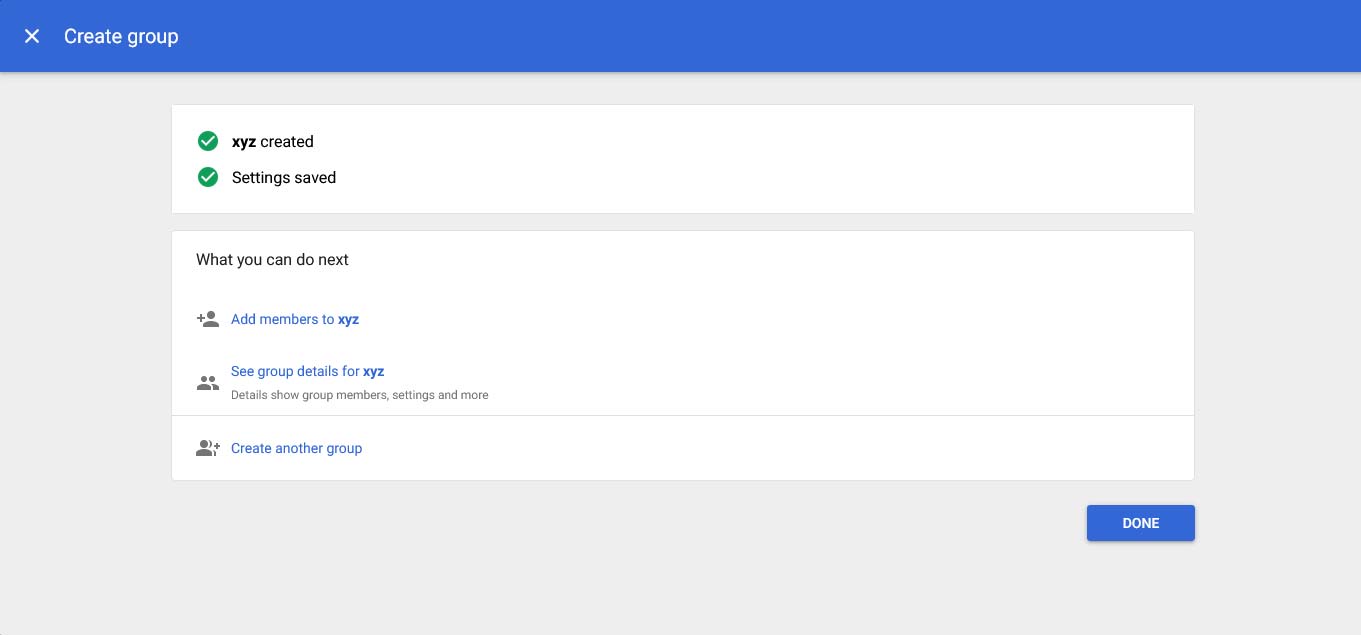
First create a group and add members to this group who need extra storage space at https://admin.google.com/ac/groups
Create a group with any name
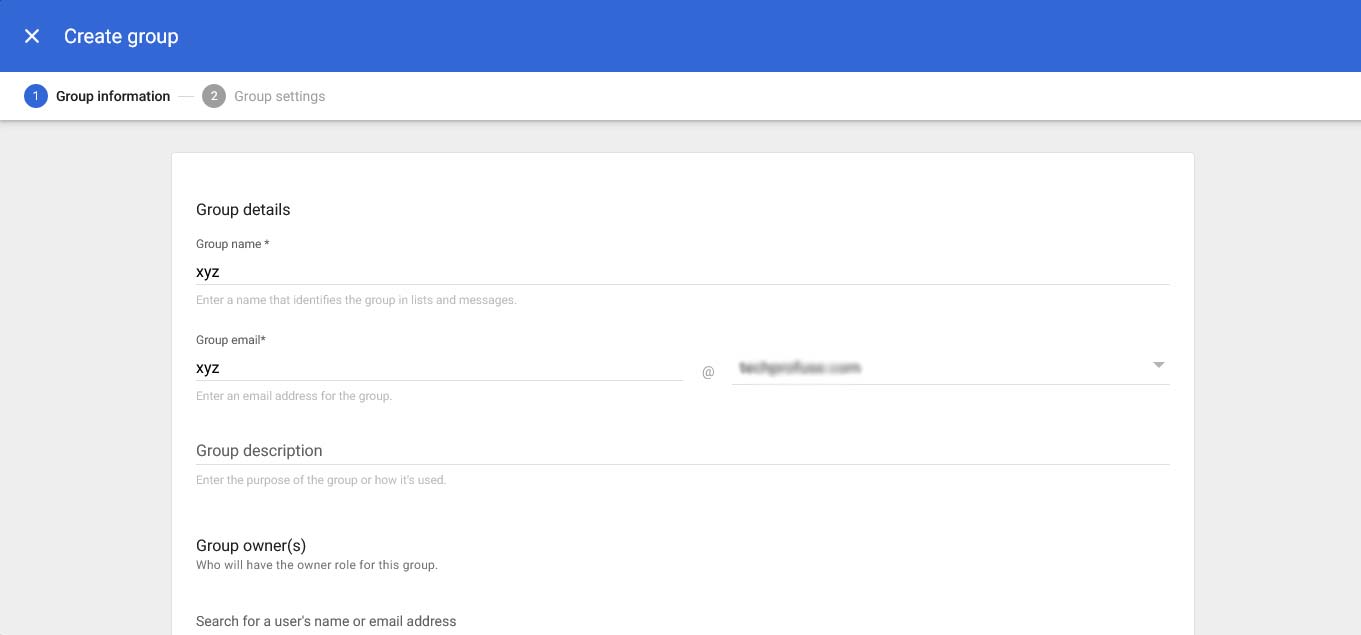
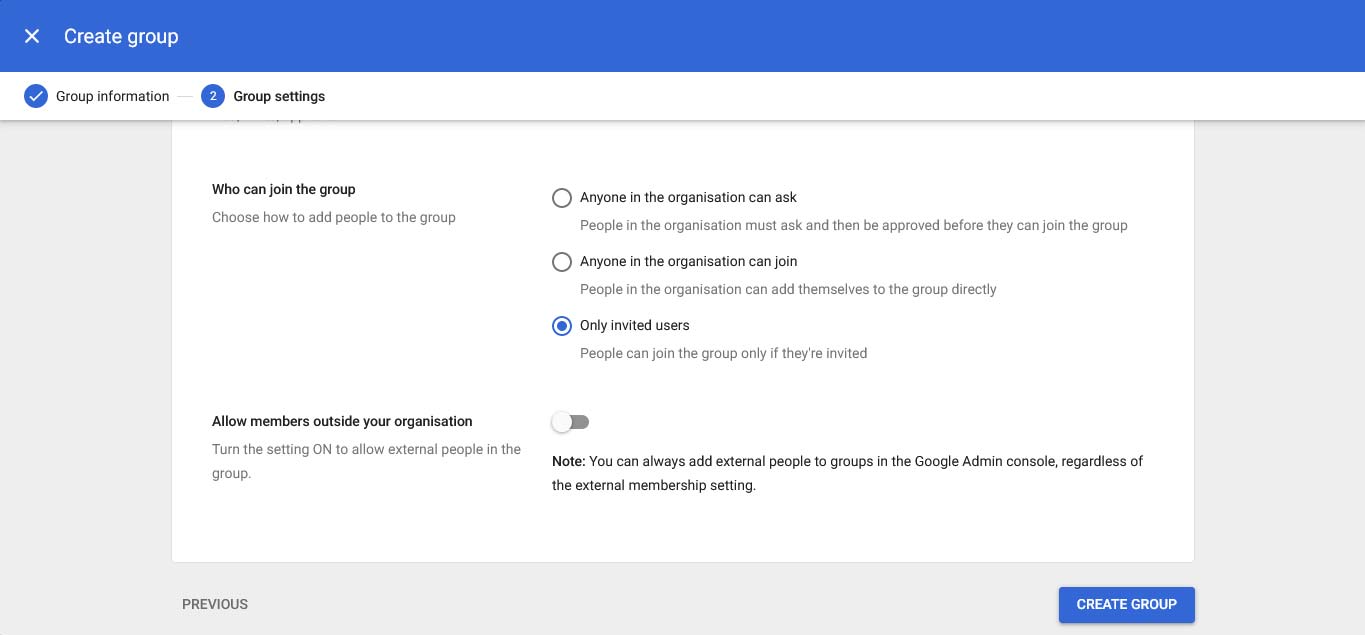
In the next page, set access type as restricted
Under who can join, select invited users
Now, add users who need additional space.
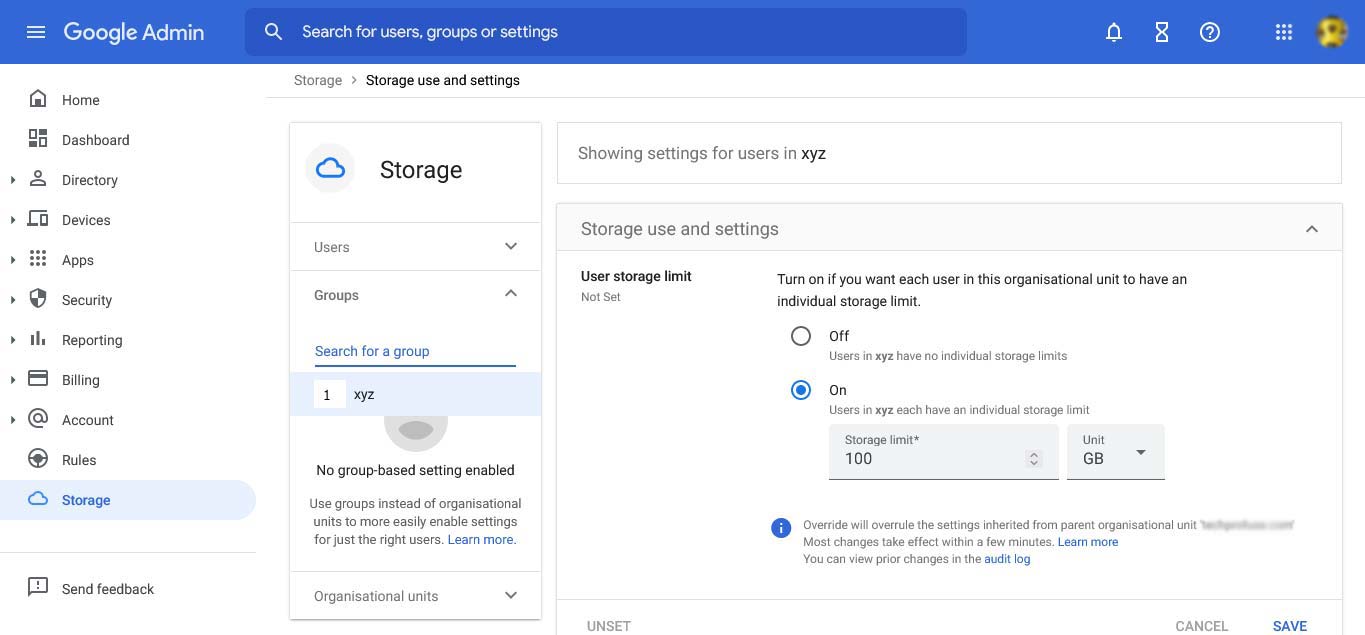
Now go to https://admin.google.com/ac/storage
Click on Manage
Expand Groups
Enter the name of the group, allot the required amount of space, SAVE.